 Llumo Help CenterBack to Llumo
Citations Overview for LLM Responses
This document explains how to use the Citations section to understand which sources large language models (LLMs) cite for your prompts, identify content gaps, and discover opportunities across domains, URLs, shopping results, and Reddit.
Step 1: Review Overall Citation Metrics
Start on the Citations page, where you can see at a glance:
- Total citations used by LLMs in response to your prompts
- The number of unique domains being cited
- Citation share, showing how citations are distributed across domains
These high-level metrics help you understand your overall presence in LLM-generated answers.
Step 2: Analyze Recent Citation Changes
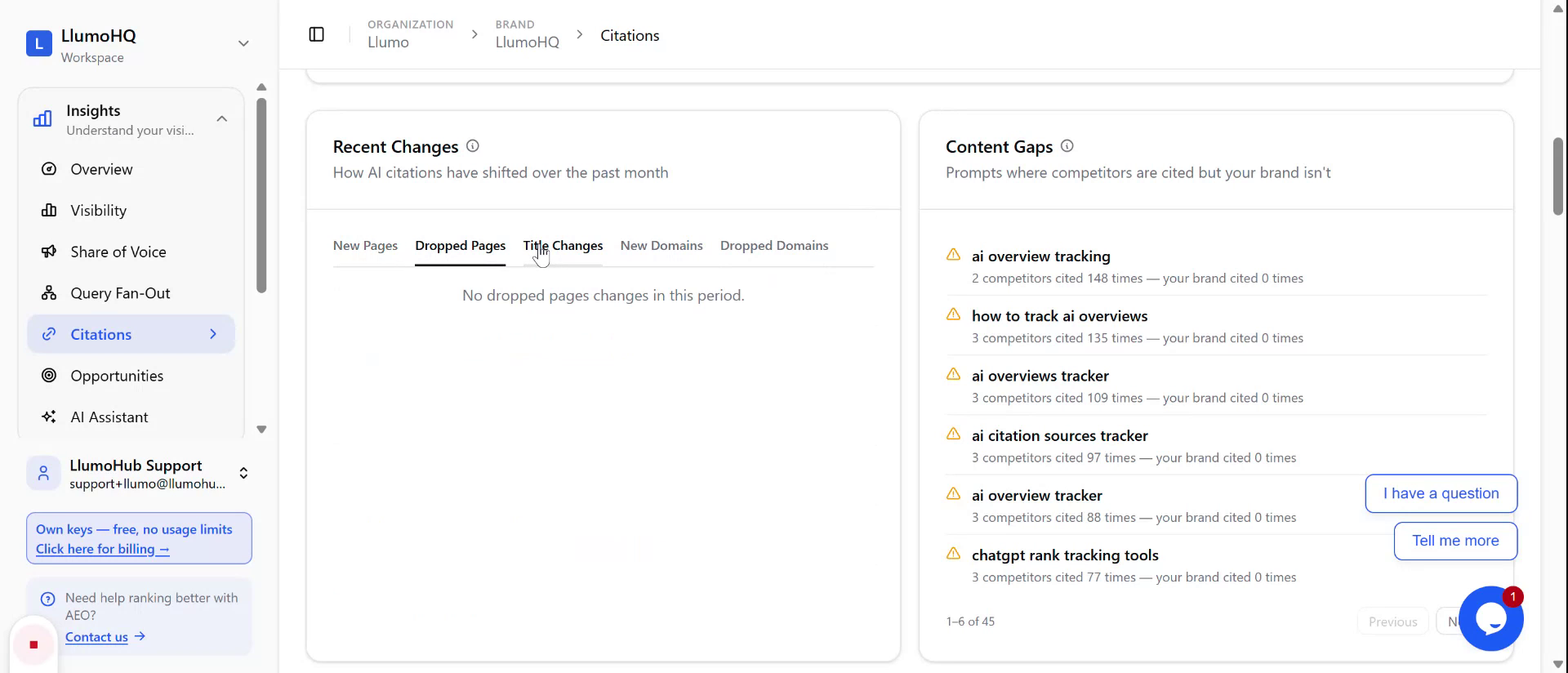
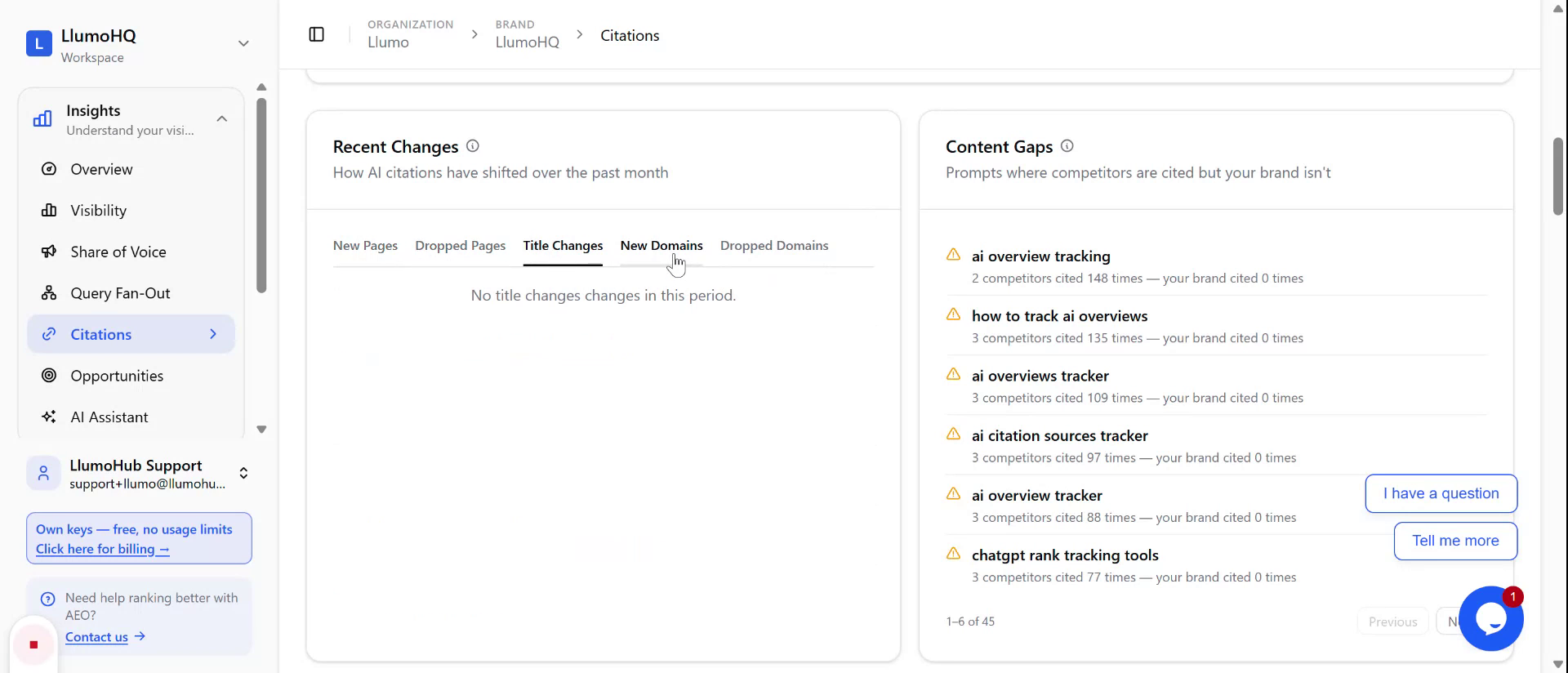
Scroll down to the “Recent Changes” area to monitor how citation sources are evolving over time. Here you can review:
- New pages that have started being cited
- Dropped pages that are no longer cited
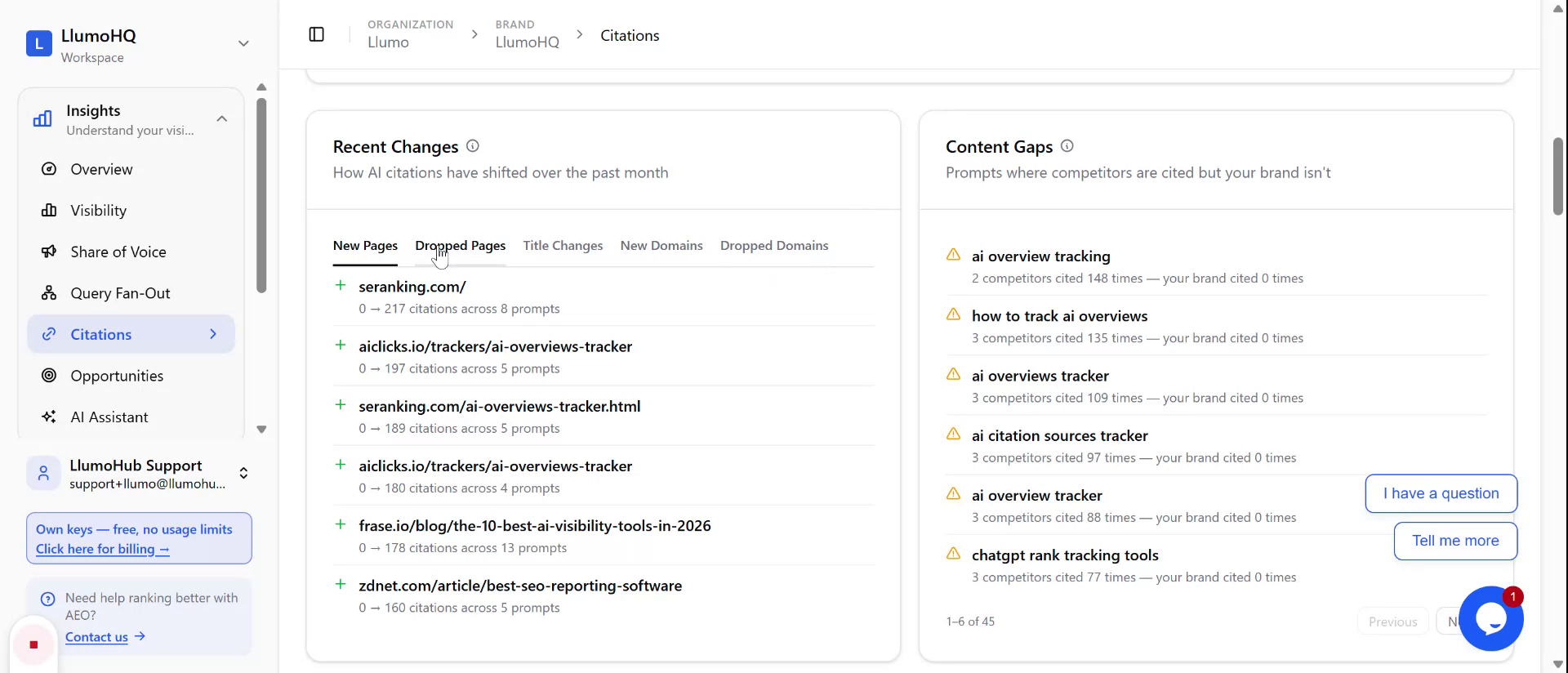
- Title changes for cited pages
- New domains that have begun to appear in citations
- Dropped domains that are no longer cited
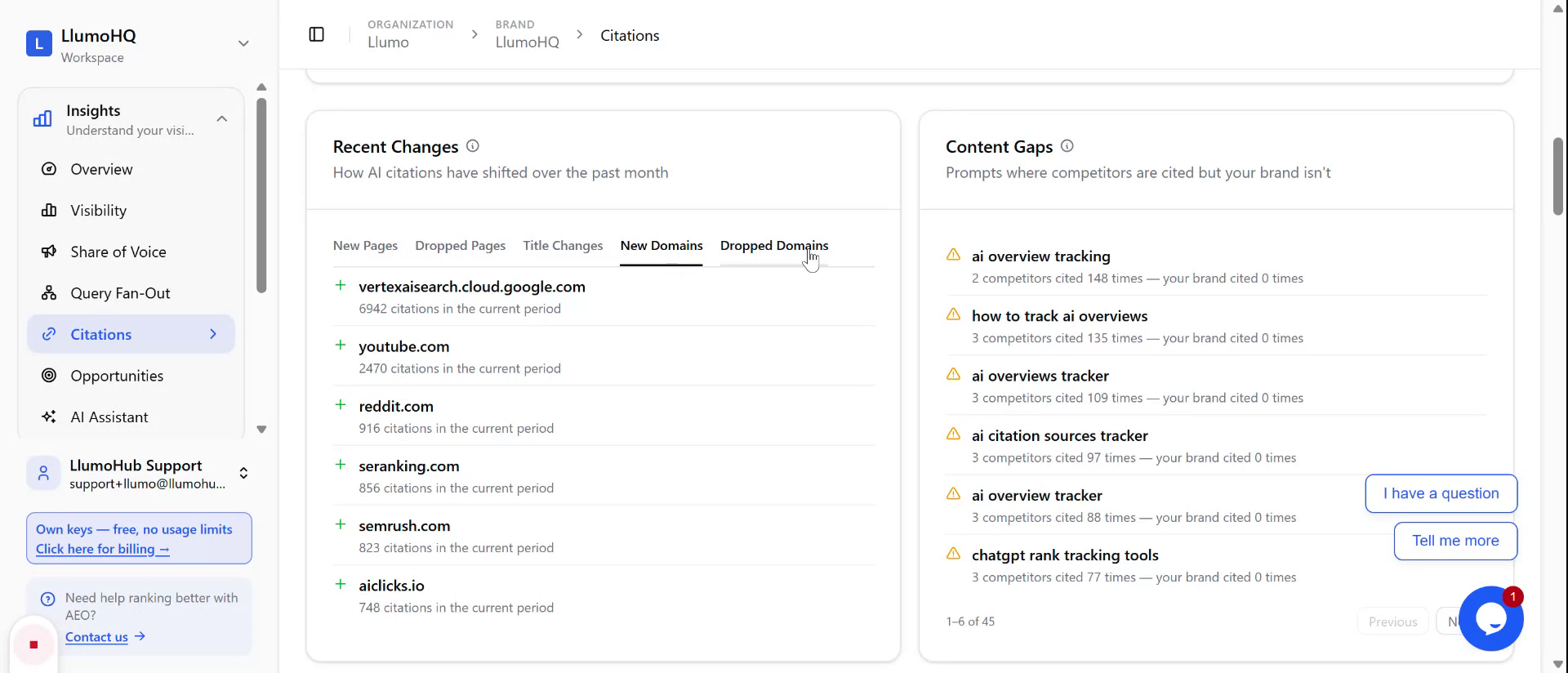
Use this section to track emerging opportunities and to catch any loss of visibility early.
Step 3: Identify Content Gaps and Top Site Domains
In the same view, review the Content Gaps section, which highlights topics and areas where LLMs are citing other sites but your own content is missing or underrepresented. This helps you prioritize new content creation.
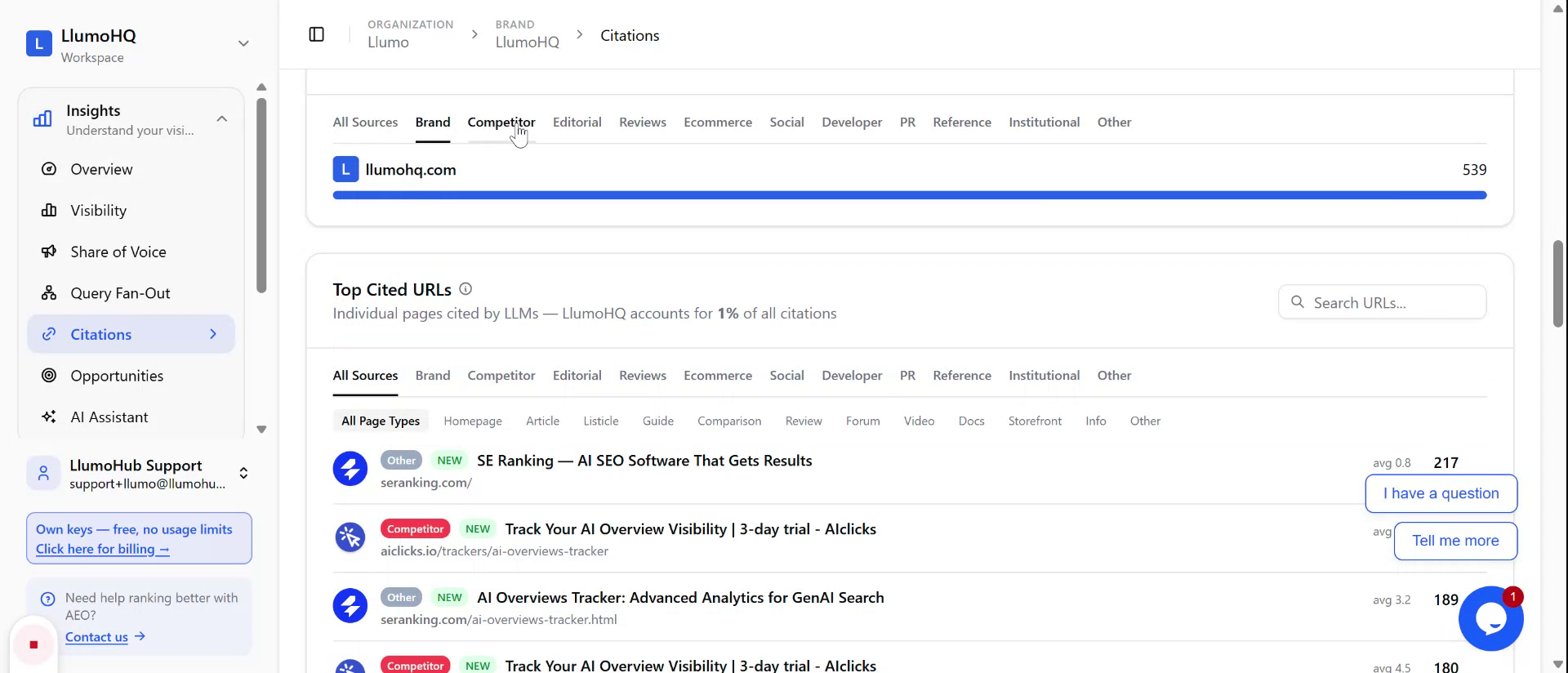
You can also review Top Site Domains to see which domains are most frequently cited. Use the filters to refine this view:
- Filter by brands
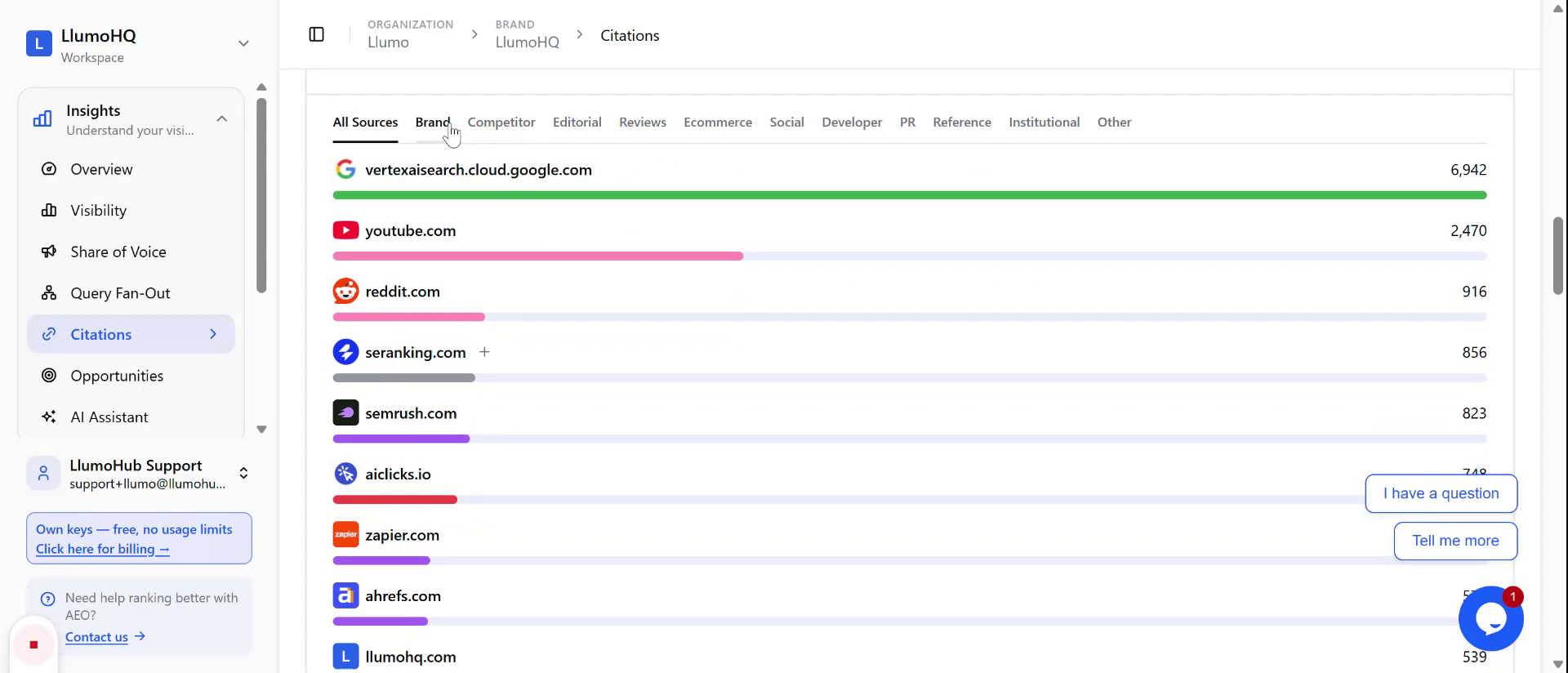
- Filter by competitors
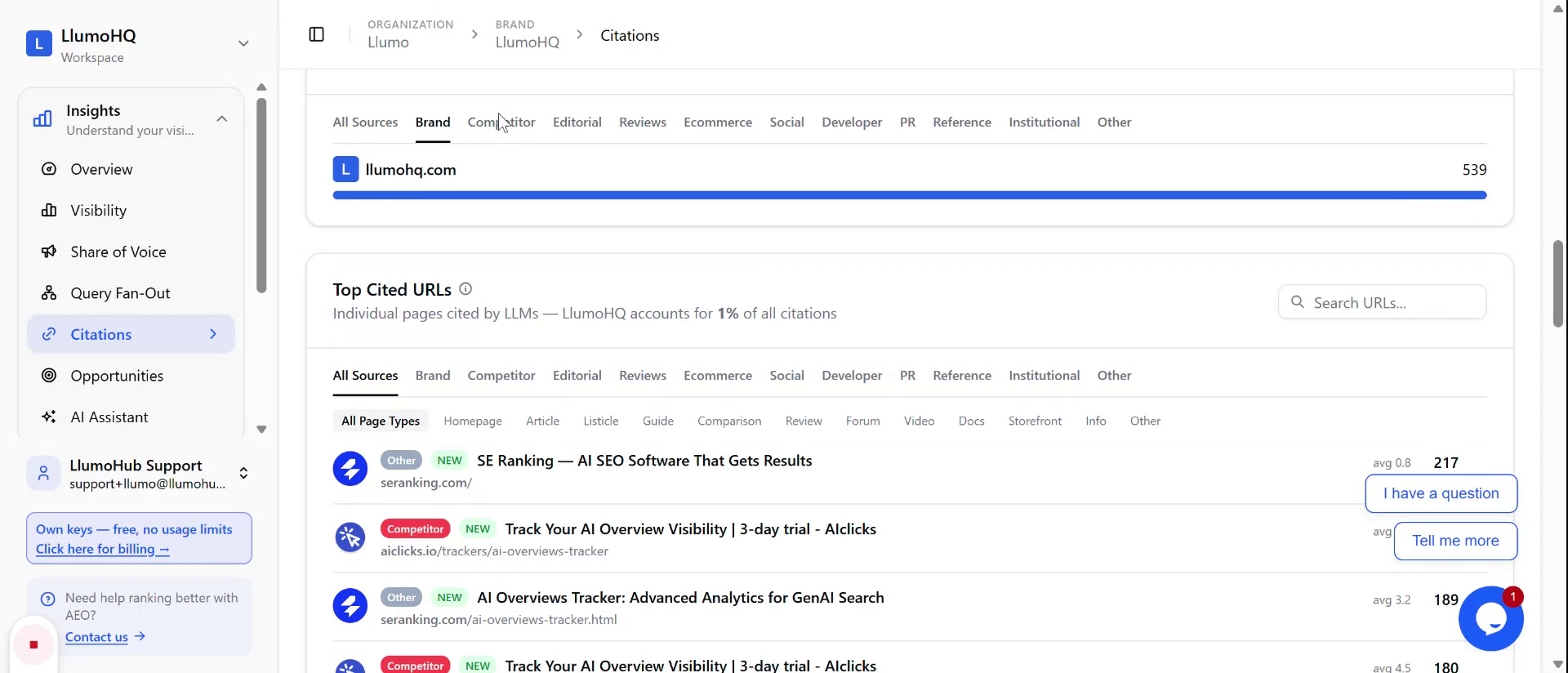
- Filter by editorial sources
- Filter by reviews and other categories
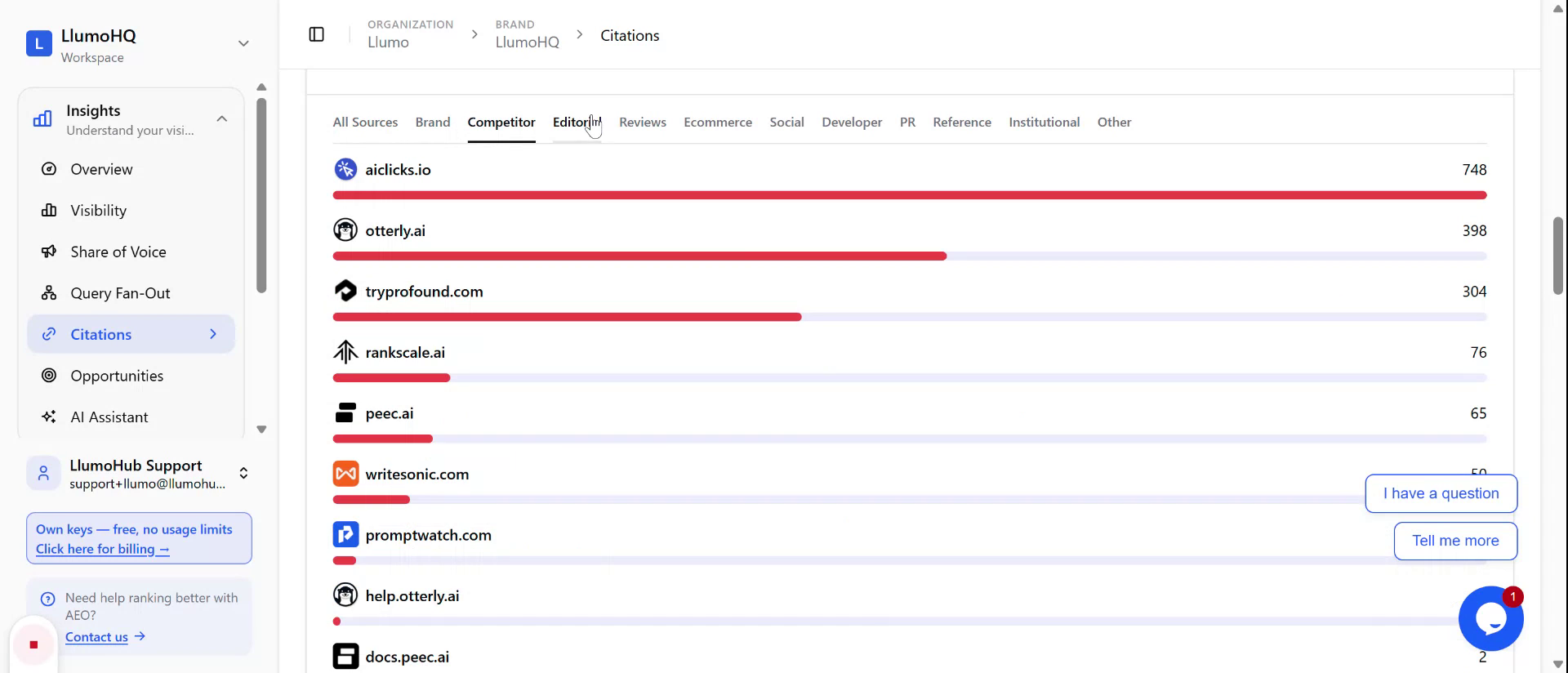
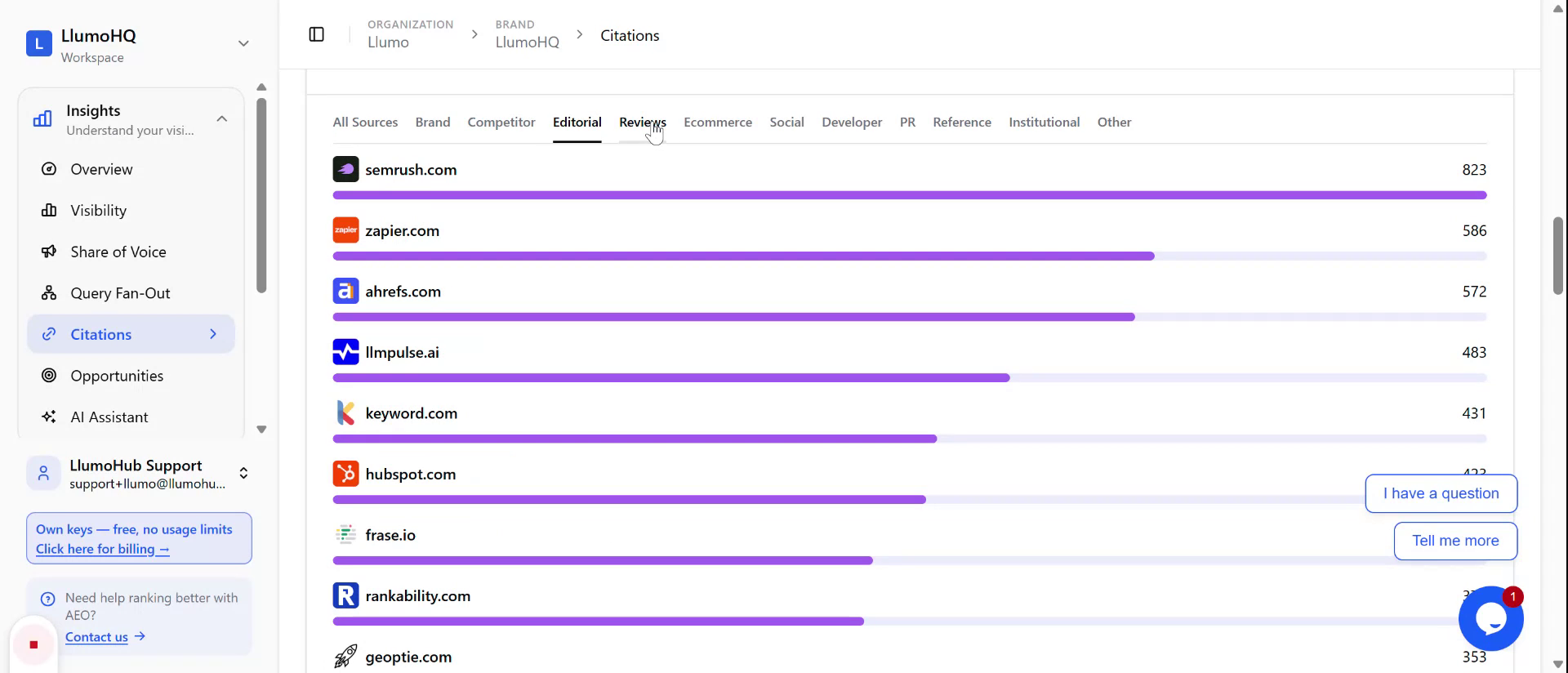
These filters help you understand where your brand appears relative to competitors and which types of sites dominate citations, so you can target new listings or partnerships.
Step 4: Examine Top-Cited URLs by Content Type
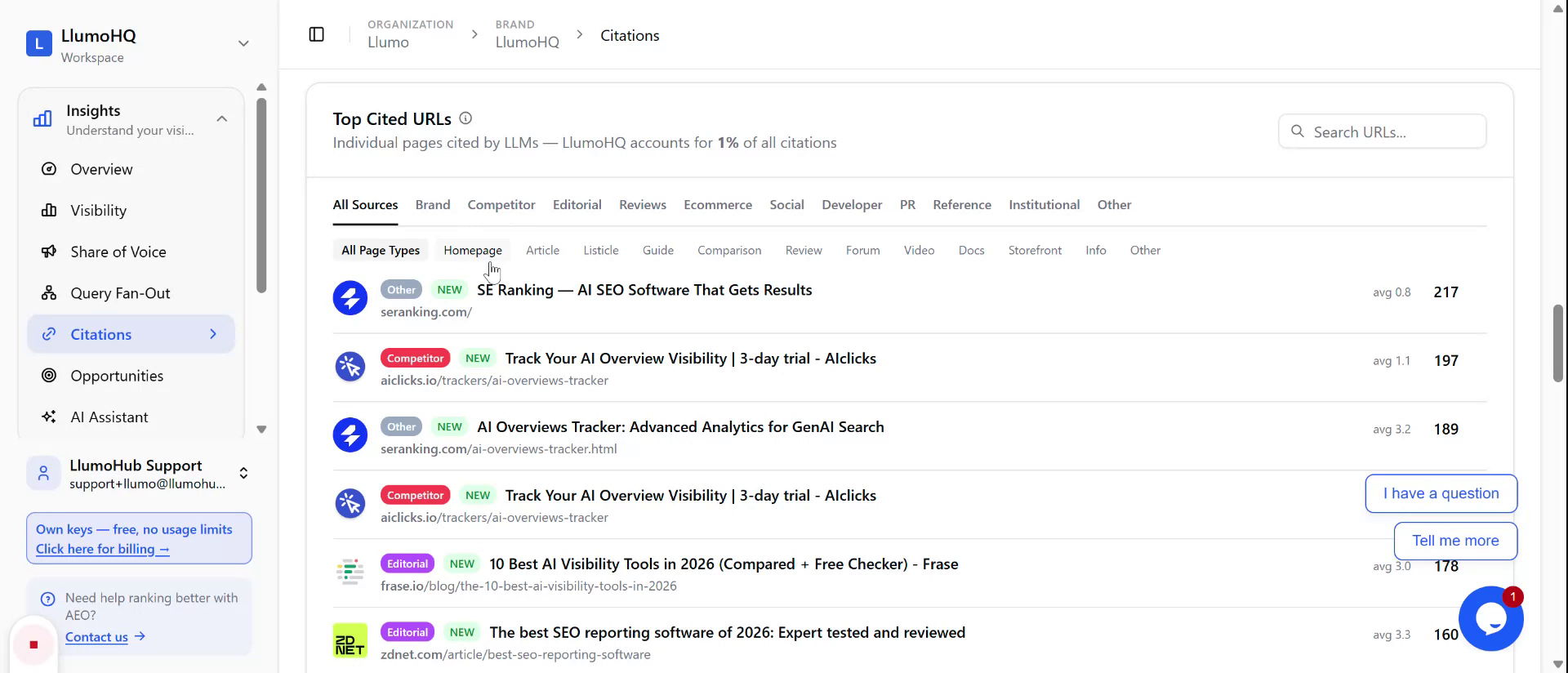
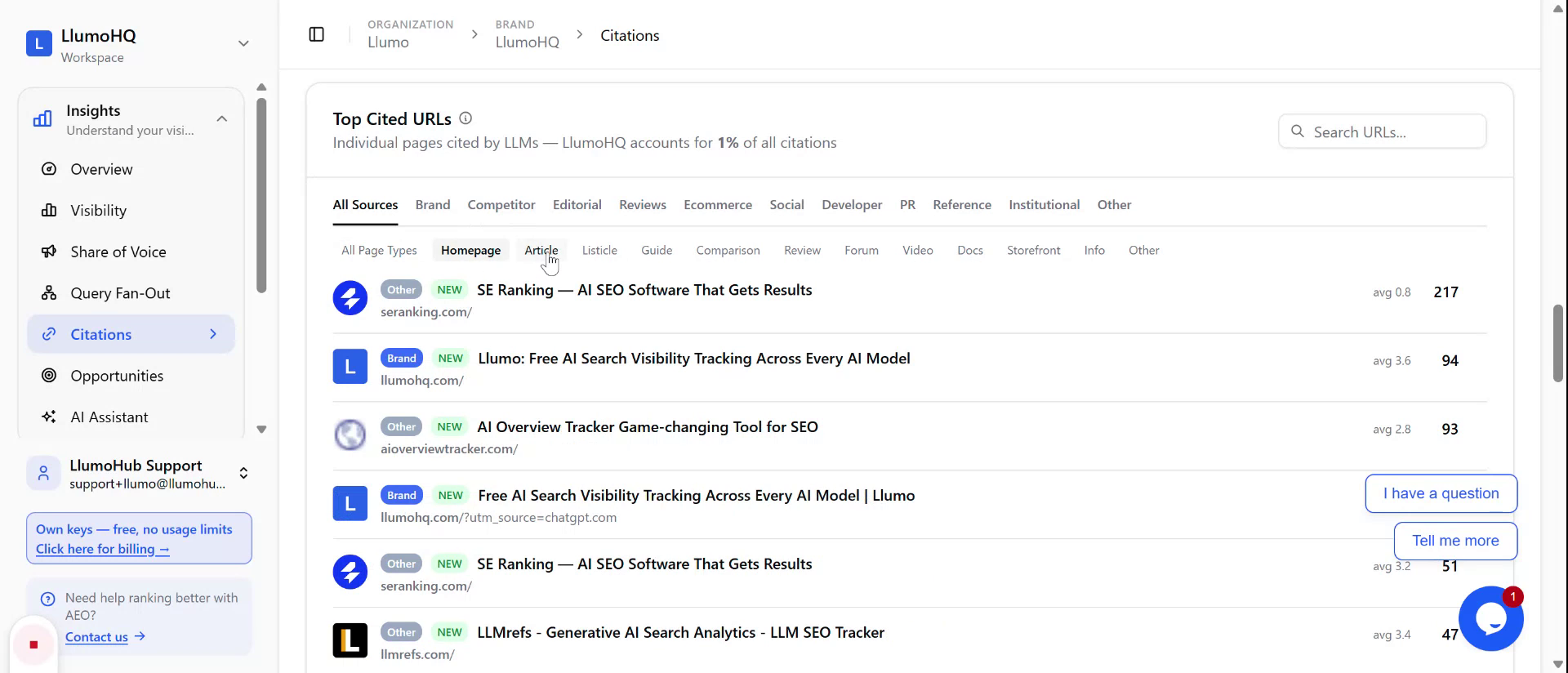
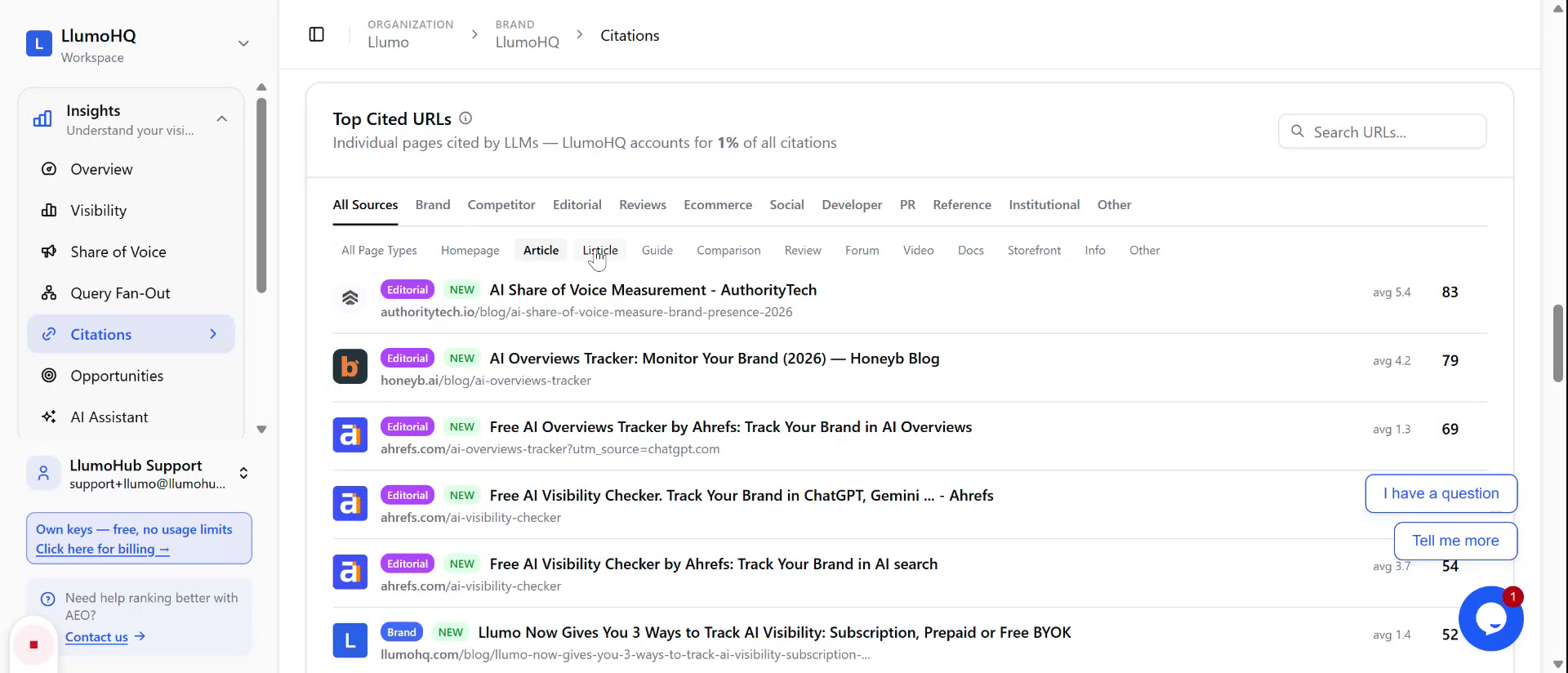
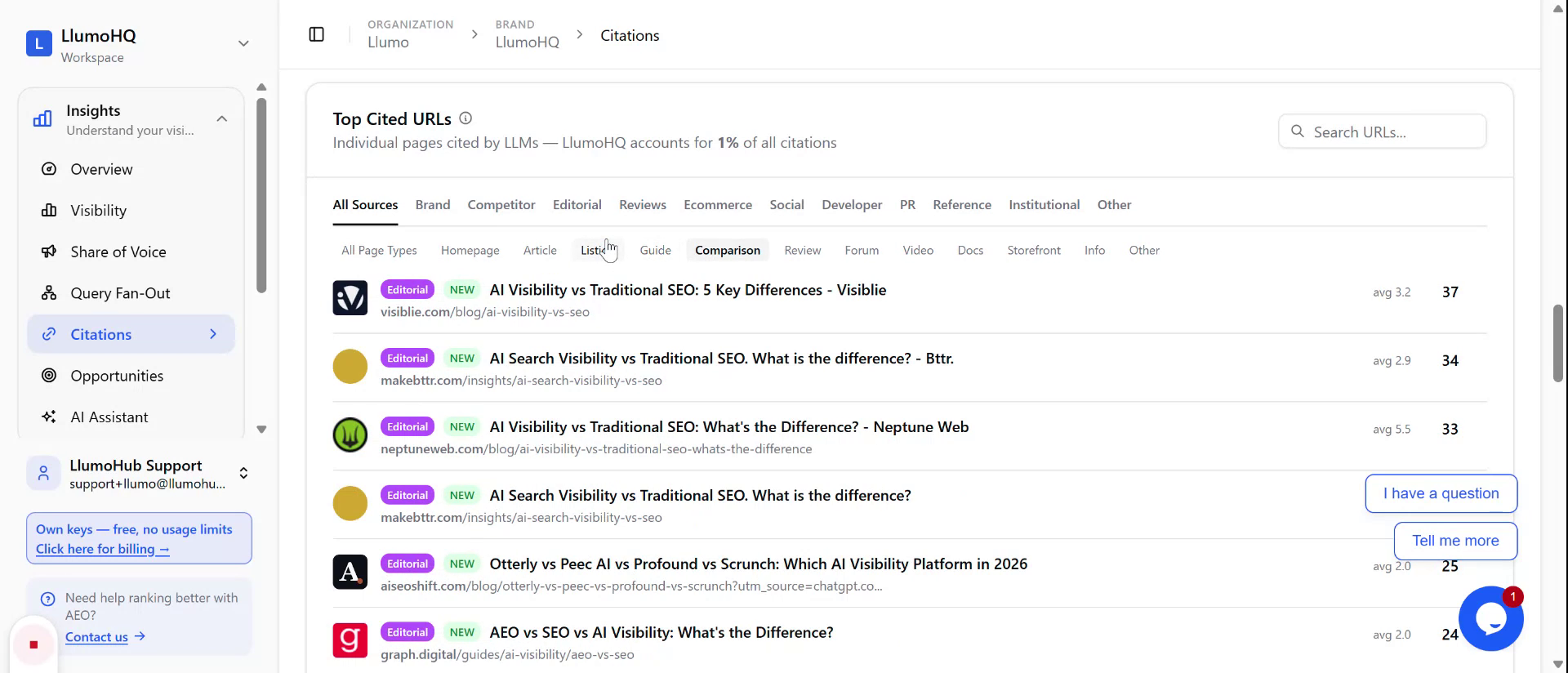
Scroll to the Top-Cited URLs section to see the specific pages most frequently cited by AI models. You can break this down by content type to better understand what performs best:
- Homepages
- Articles
- Listicles
- Guides
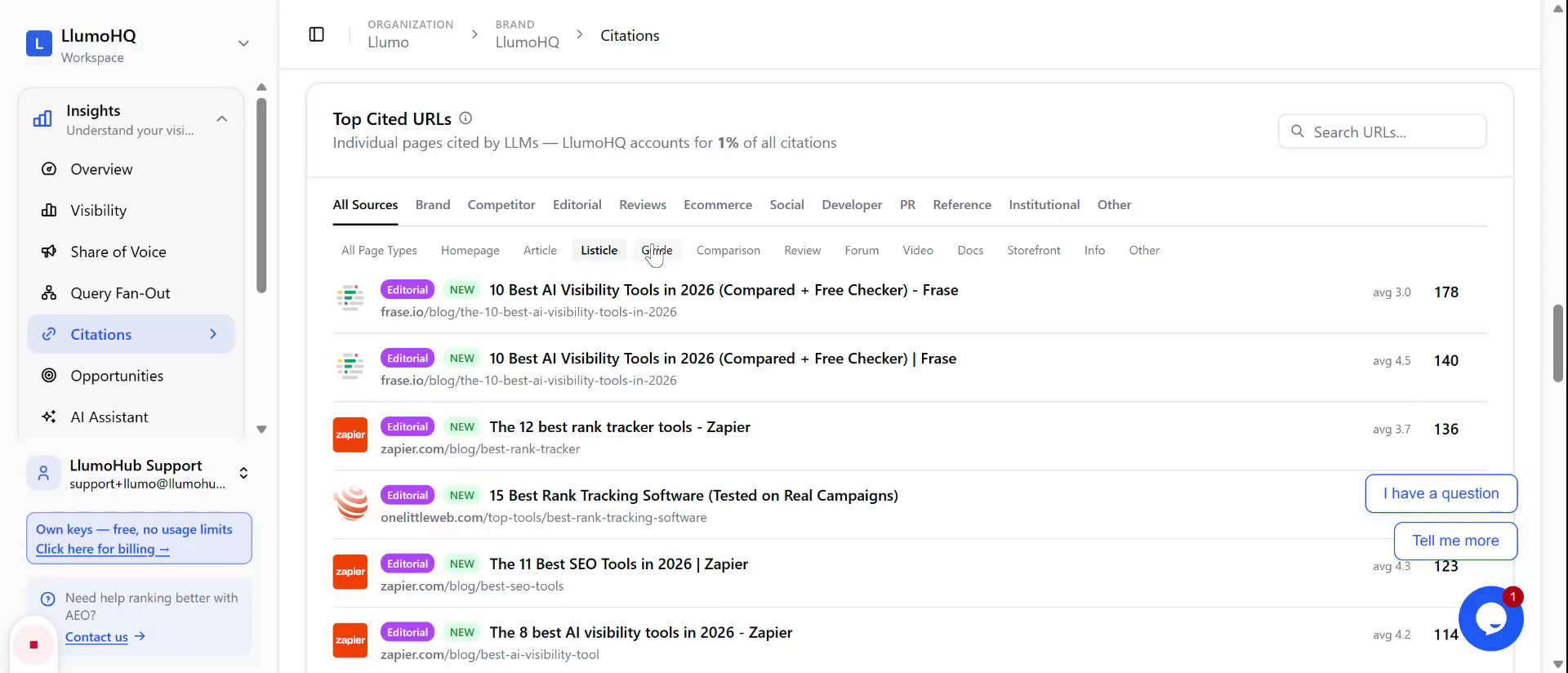
- Comparisons
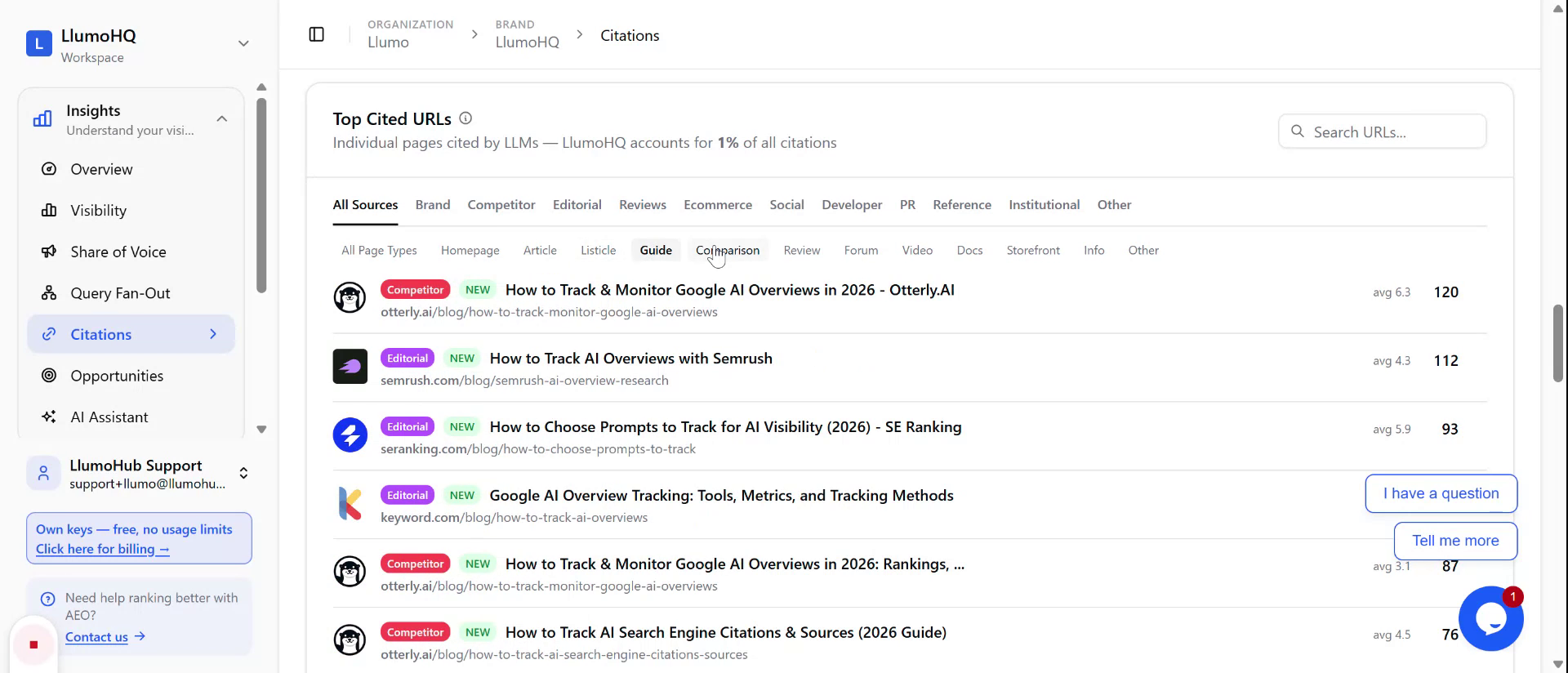
Use this breakdown to benchmark against highly cited content and to model your own pages on formats that LLMs favor.
Step 5: Search Within Cited Domains and URLs
Use the URL search option to quickly locate specific domains or pages within the large set of cited sites.
There is a dedicated search field where you can:
- Search by URL or domain name
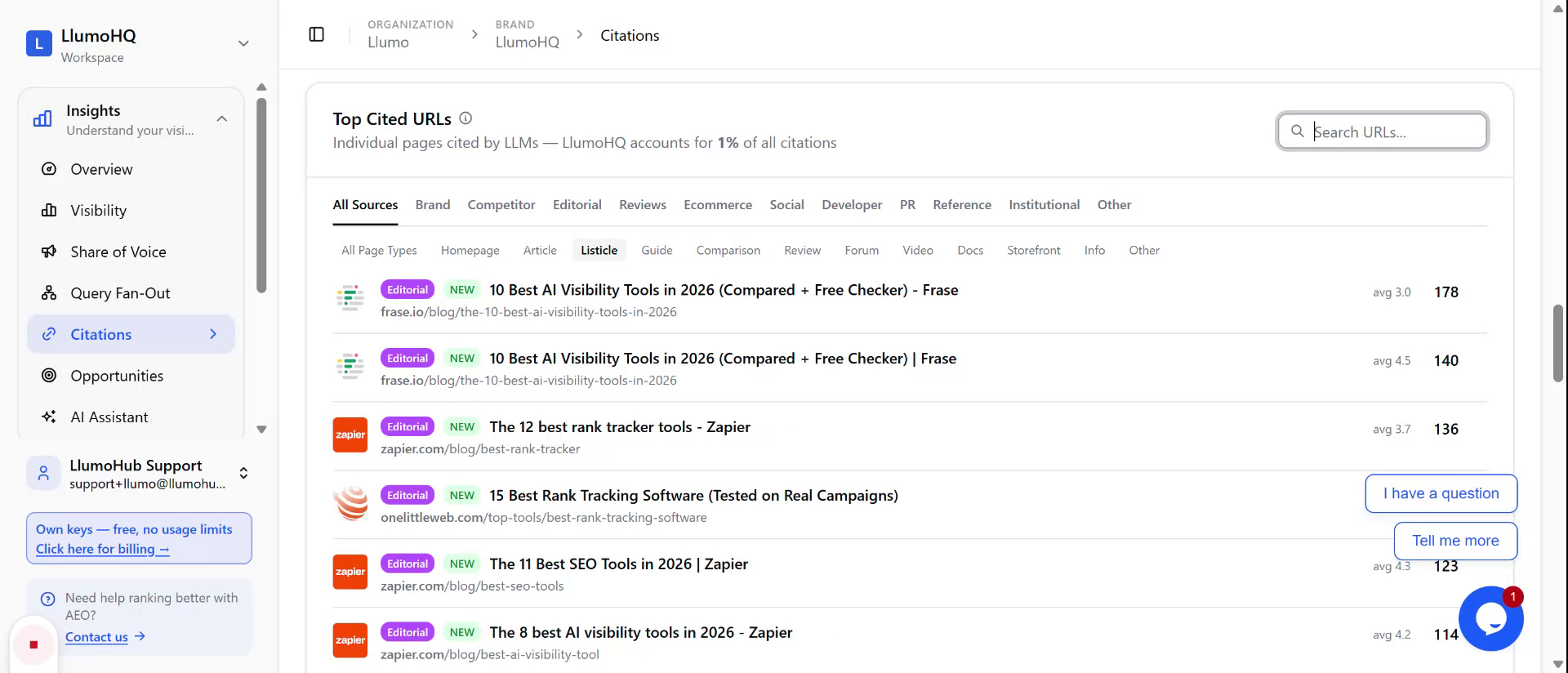
- Filter down from what is often thousands of websites
This helps you find particular competitors, partners, or your own pages to evaluate their citation performance and identify ways to improve AIO (AI-optimized) visibility.
Step 6: Explore Shopping and Reddit Opportunities
Finally, review additional surfaces that are scanned for citations:
- Shopping results: See if shopping pages are being cited, indicating commercial or product-focused opportunities.
- Reddit top sites: View top-cited subreddits and posts.
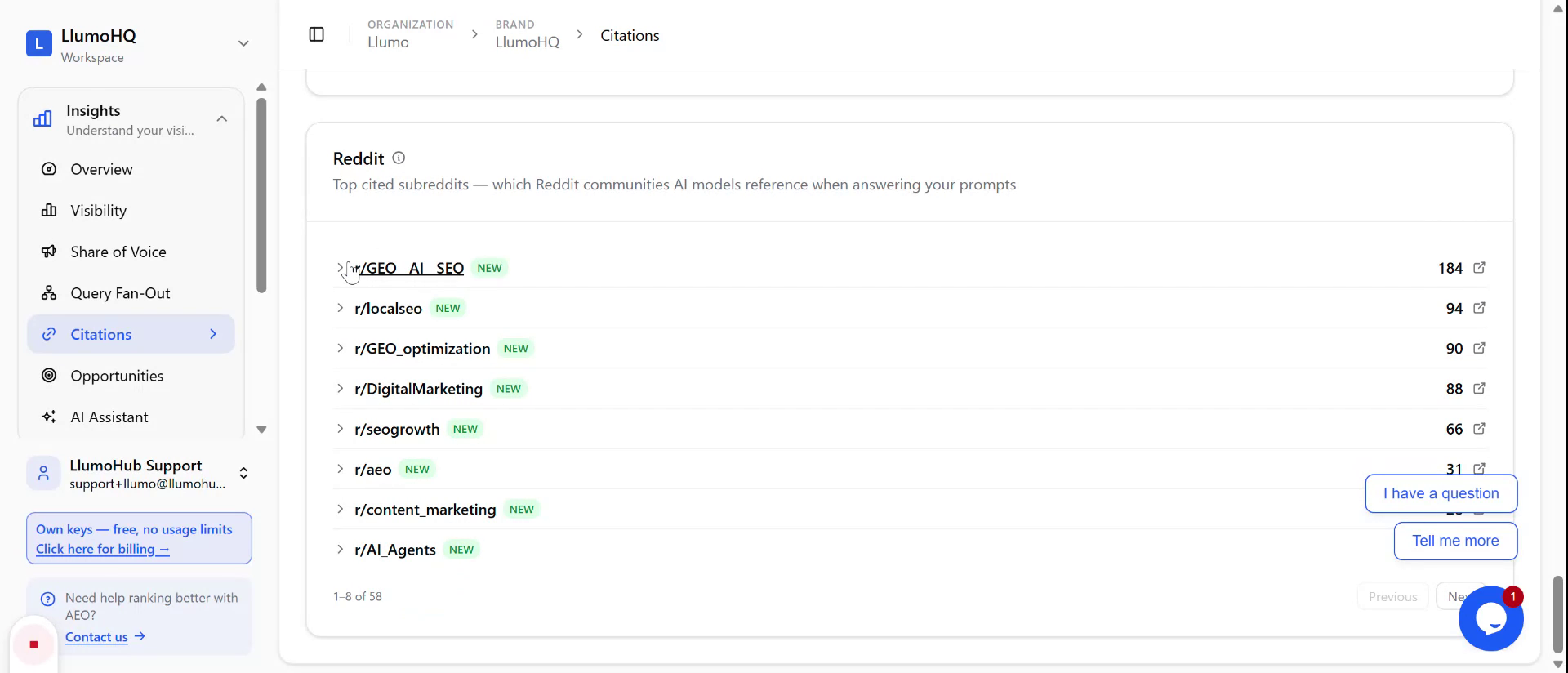
From here, you can:
- Identify subreddits where you might add a valuable comment on existing top-cited threads
- Start new discussions in relevant subreddits to increase visibility and the likelihood of being cited by LLMs