 Llumo Help CenterBack to Llumo
Opportunities Section Overview
This process explains how to review and use the Opportunities section, which is updated weekly to provide fresh insights based on your runs. You will learn how to interpret the summary, explore different opportunity types (new content, existing content, syndication, outreach, and social), and check your overall readiness.
Step 1: Access and Review the Weekly Opportunities Summary
At the top of the Opportunities section, review the automatically generated summary of your latest insights. This summary is updated weekly based on your most recent runs and gives you a high-level view of recommended actions.
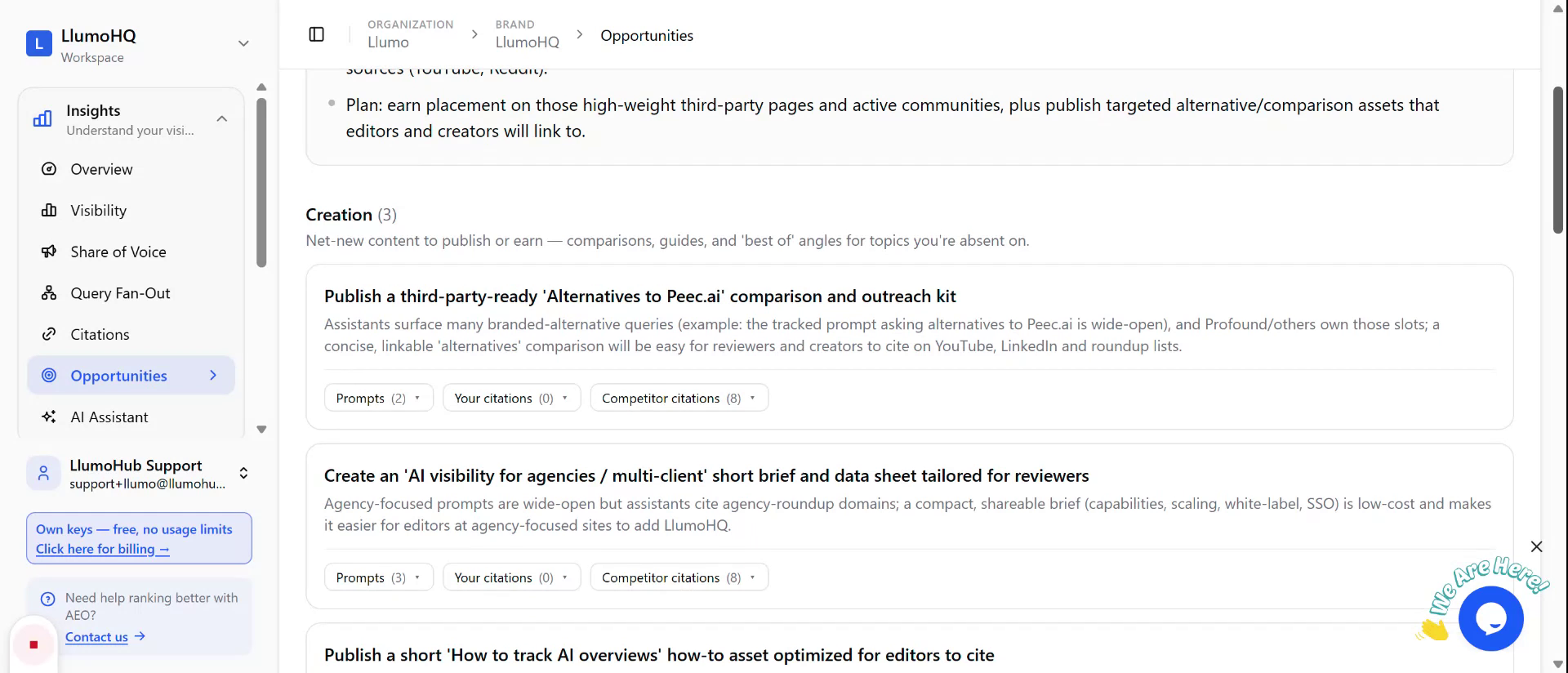
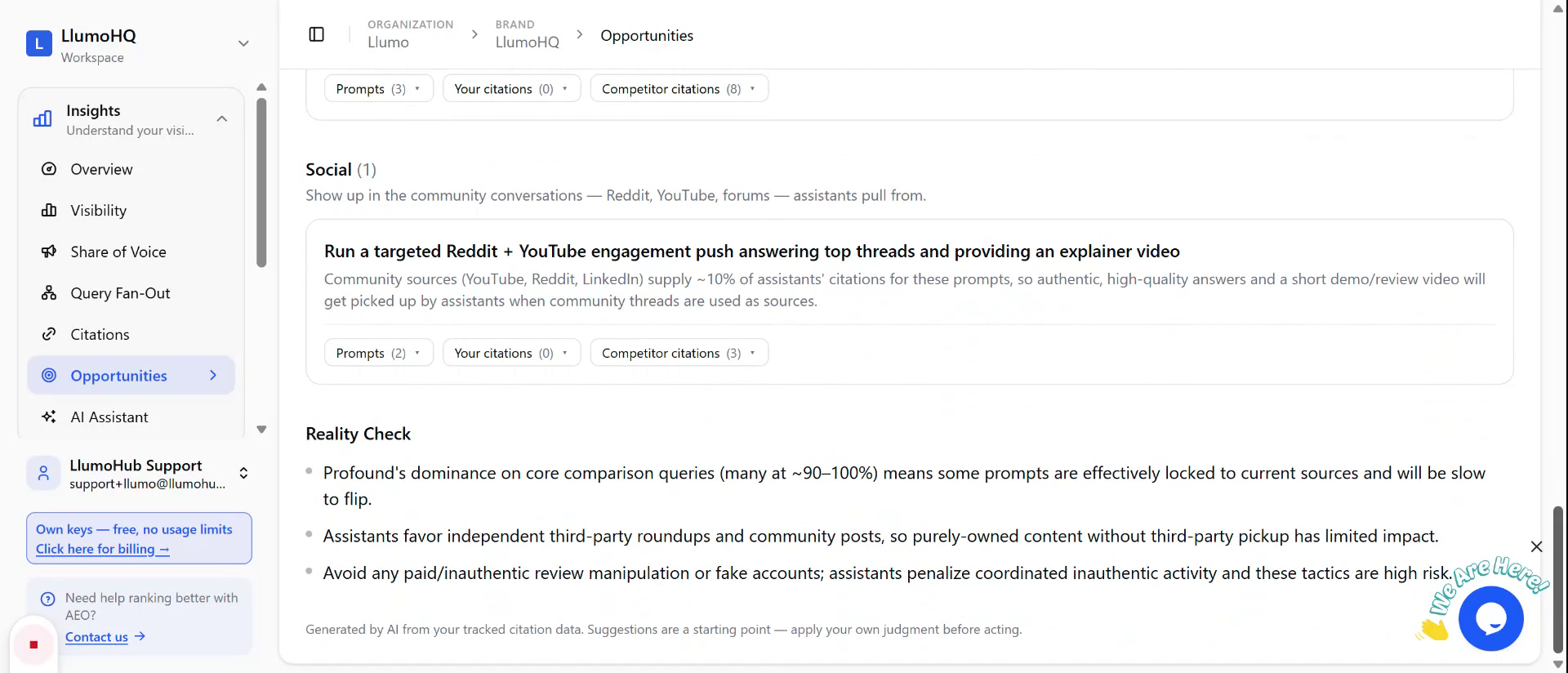
Step 2: Scroll to View New Content Creation Opportunities
Scroll down to the “New Content Creation” area. Use this section to identify what new content you should create next, based on the insights generated from your runs.
Step 3: Review Existing Content Opportunities
Continue scrolling to the “Existing Content” section. Here you can see opportunities related to improving or updating your current content assets, guided by the performance data and insights.
Step 4: Identify Syndication Opportunities
Next, review the “Syndication” section to understand which content pieces you should syndicate. Use these recommendations to expand the reach of your best-performing or most strategic content.
Step 5: Explore Outreach Opportunities for Placements
Move down to the “Outreach” section. Use the listed outreach opportunities to identify and prioritize potential partners or platforms where you should try to secure placements for your content.
Step 6: Check Social Opportunities and Readiness Status
At the bottom, review the “Social” opportunities to see suggested social activities or posts. Finally, complete the “Readiness Check” to assess your overall preparedness and ensure you are taking full advantage of the identified opportunities.