 Llumo Help CenterBack to Llumo
Configuring Prompt Run Frequency
This section explains how to adjust how often your prompts are automatically checked, and how that impacts your AI/API credit usage.
Step 1: Review the Default Run Frequency
By default, each prompt is configured to run once every 24 hours. This means the system automatically checks your prompt once per day without any changes needed from you.
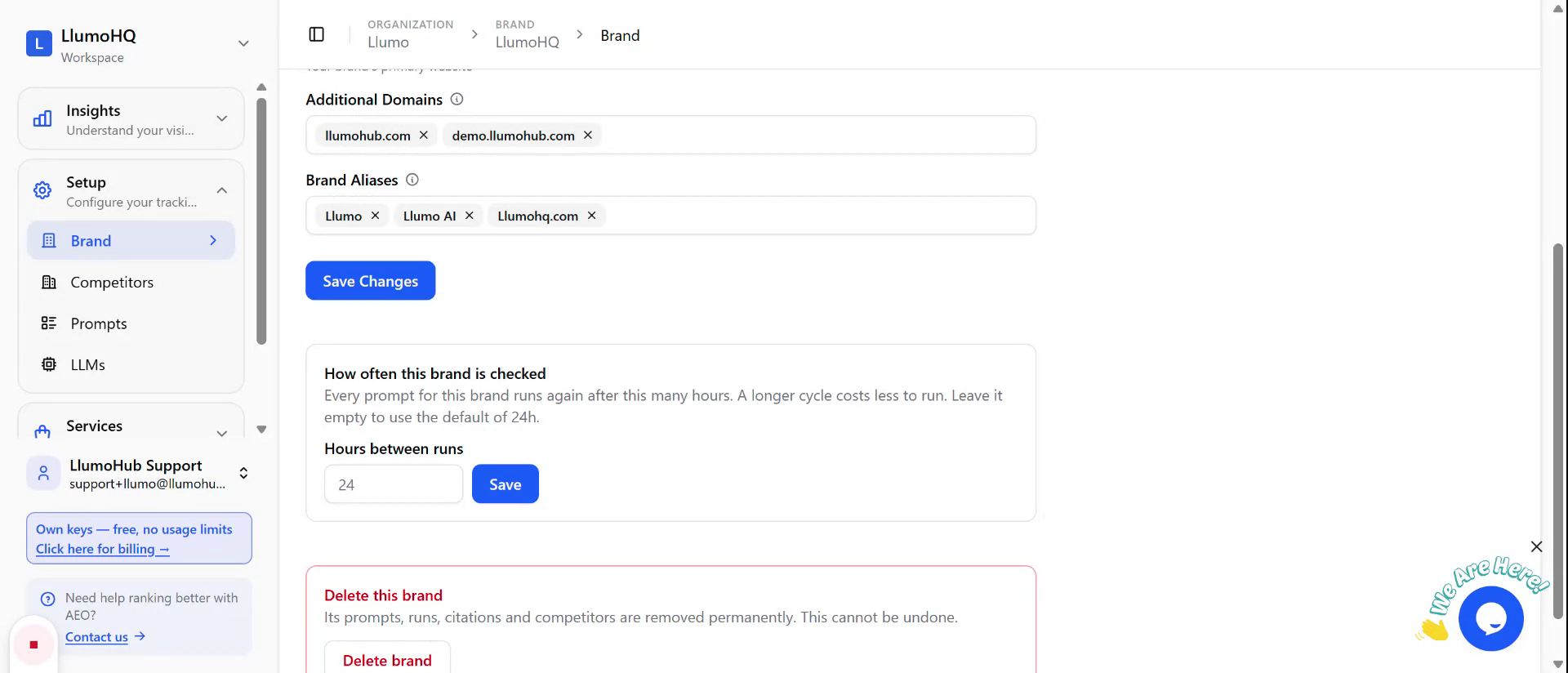
Step 2: Open the Run Frequency Setting
Locate the setting that controls how often the prompt is checked. This is typically a field where you can enter a number of hours to define the interval between runs.
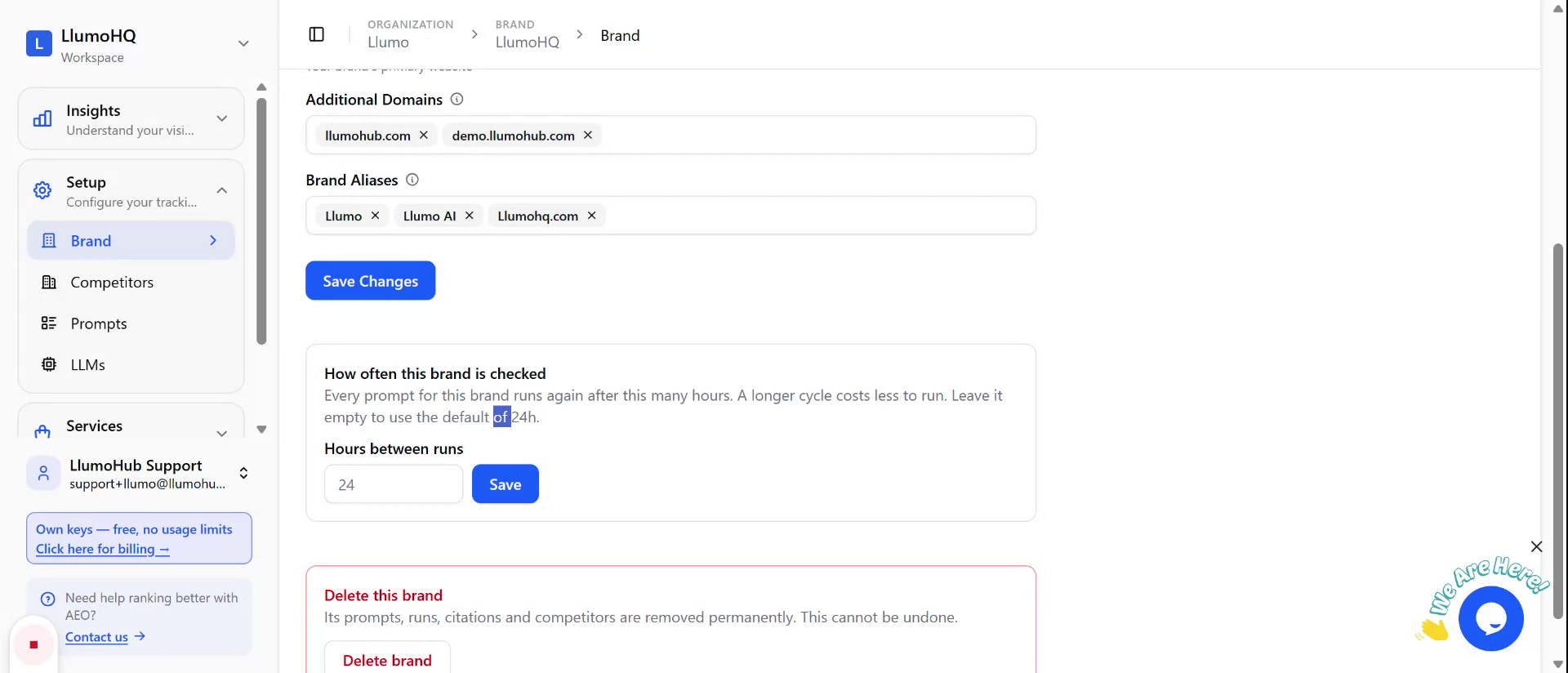
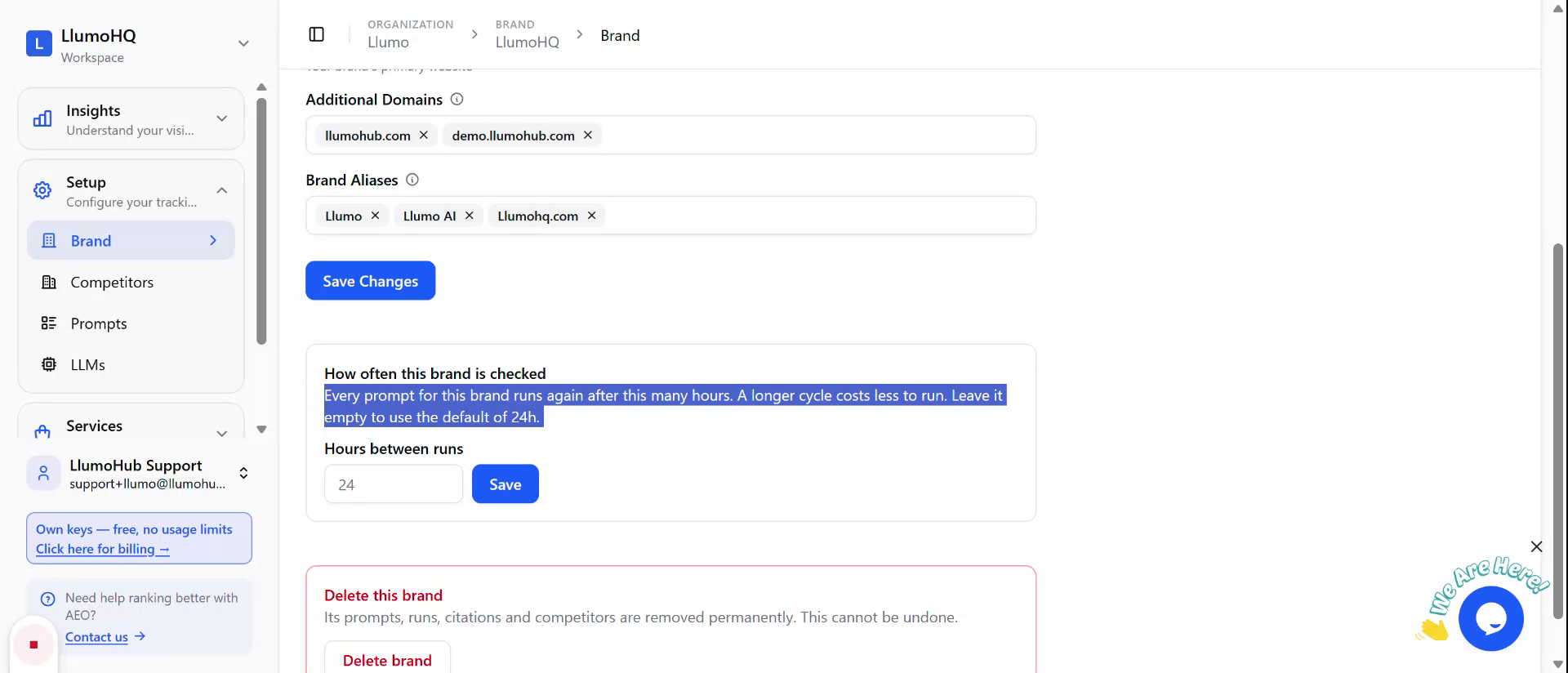
Step 3: Enter a Custom Frequency in Hours
Decide how frequently you want the prompt to run (for example, once a week, every three days, or four times a day), and enter the corresponding number of hours into the field. The value you enter directly determines how often the system will check the prompt.
Step 4: Consider API Credit Usage
Be aware that more frequent checks will consume more AI/API credits from your provider. For example, running a prompt four times a day will use more credits than running it once a day. Adjust the interval to balance monitoring needs with your available credits.