 Llumo Help CenterBack to Llumo
Managing Billing Options and API Key Usage
This document explains how to manage billing for your account, including using your own API keys, switching to pay-as-you-go, and choosing subscription plans. You will learn how to access the Billing tab, review your current configuration, and change between the three available billing modes.
Step 1: Confirm Your Current Billing Mode
Your account may be configured to use its own API keys. In this mode, you have effectively unlimited usage within the system itself, and you are billed directly by the API providers for any usage. Confirm that your own API keys are entered and active so that the system can operate under this configuration.
Step 2: Open the Billing Tab
To change how billing is managed for your account, open the Billing settings.
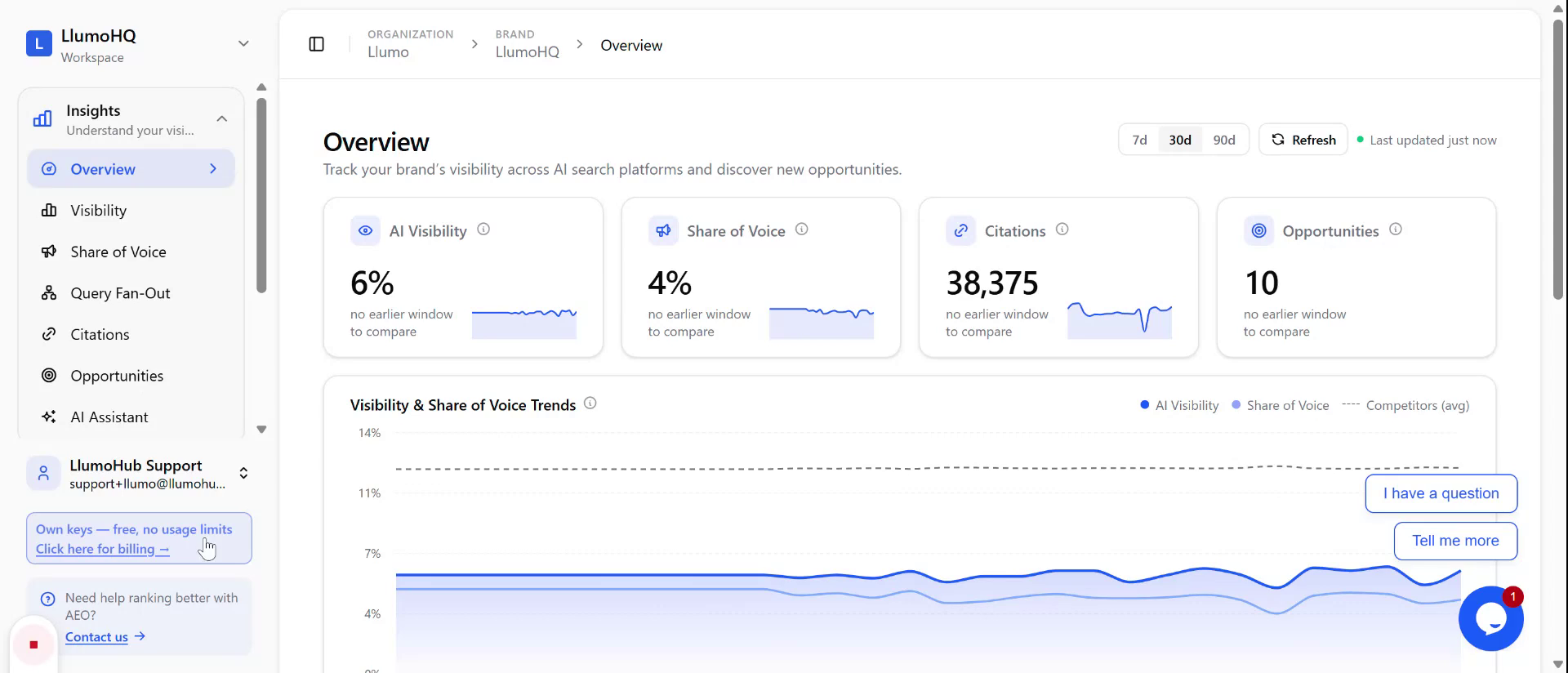
Click the Billing tab to view your current billing configuration and the available options. On this screen, you will see that the account is currently configured to run using your own provider keys.
Step 3: Switch Between Billing Options
From the Billing tab, review and choose among the three available ways to use the system:
- Run on your own keys – Continue using your own API keys, paying the providers directly.
- Pay-as-you-go – Switch to a pay-as-you-go model where usage is billed through the platform.
- Subscriptions – Select one of the available subscription plans if you prefer a fixed-plan model.
You can switch from your own keys to pay-as-you-go or a subscription plan at any time and later switch back to using your own keys whenever needed.